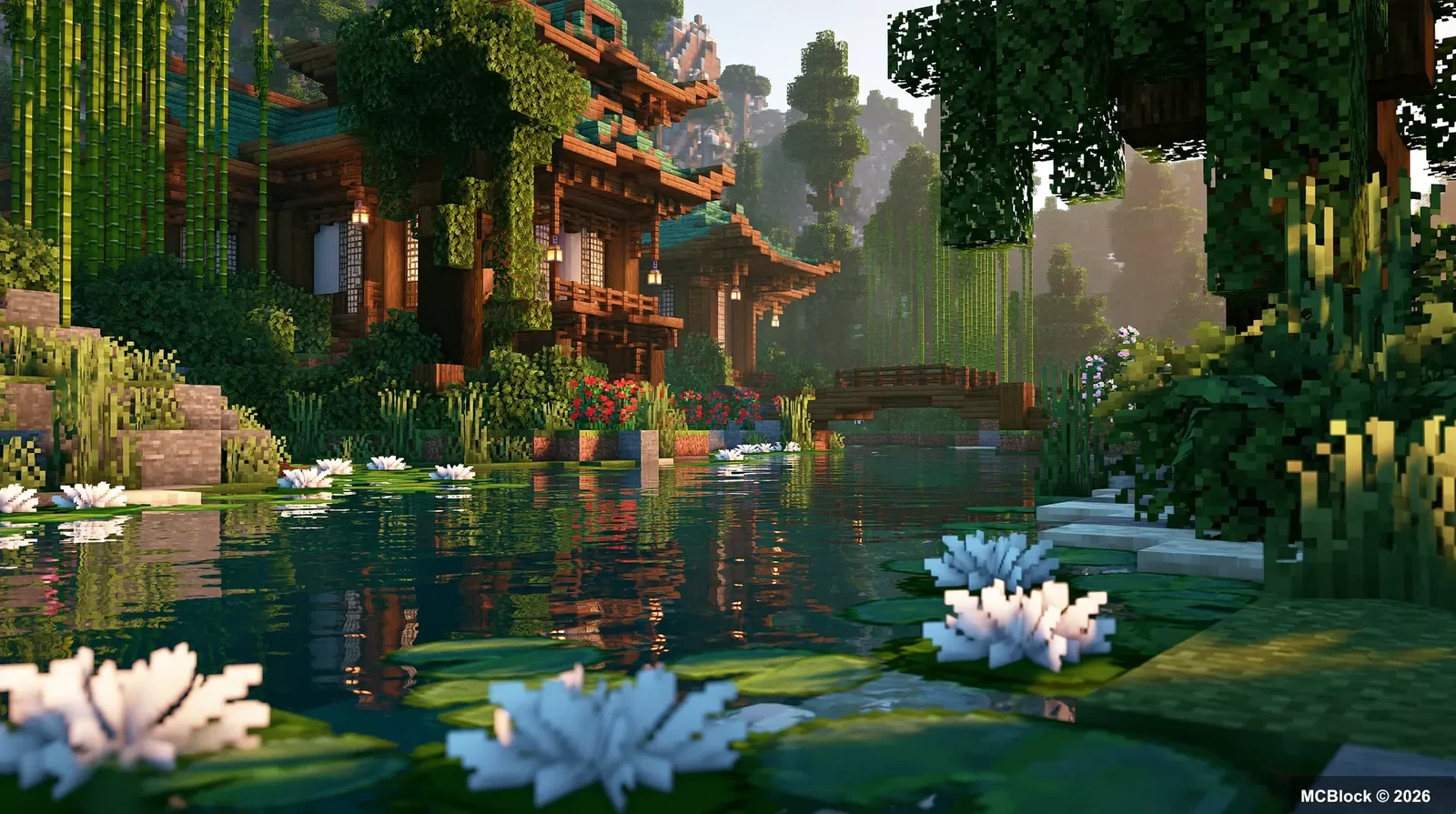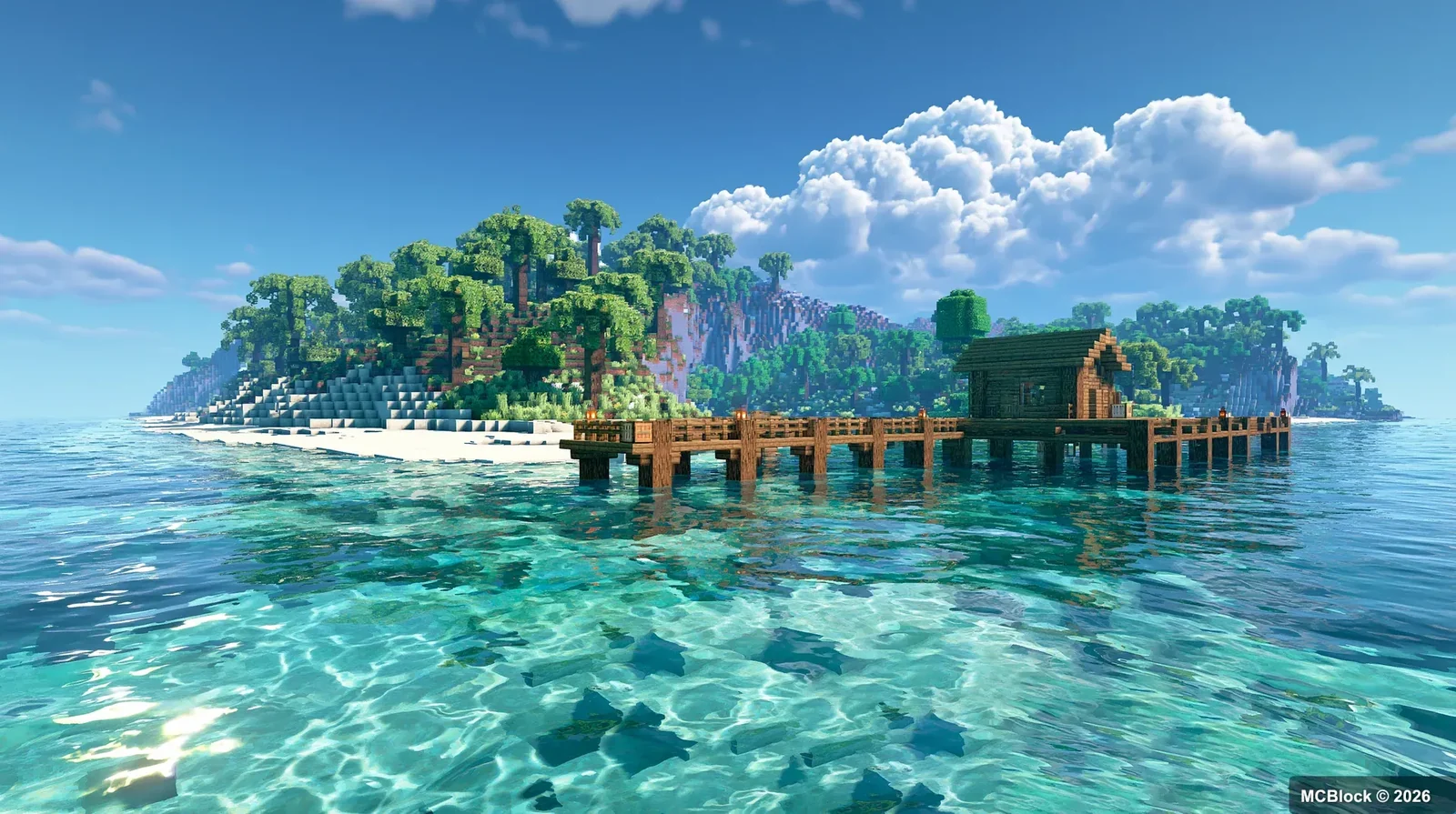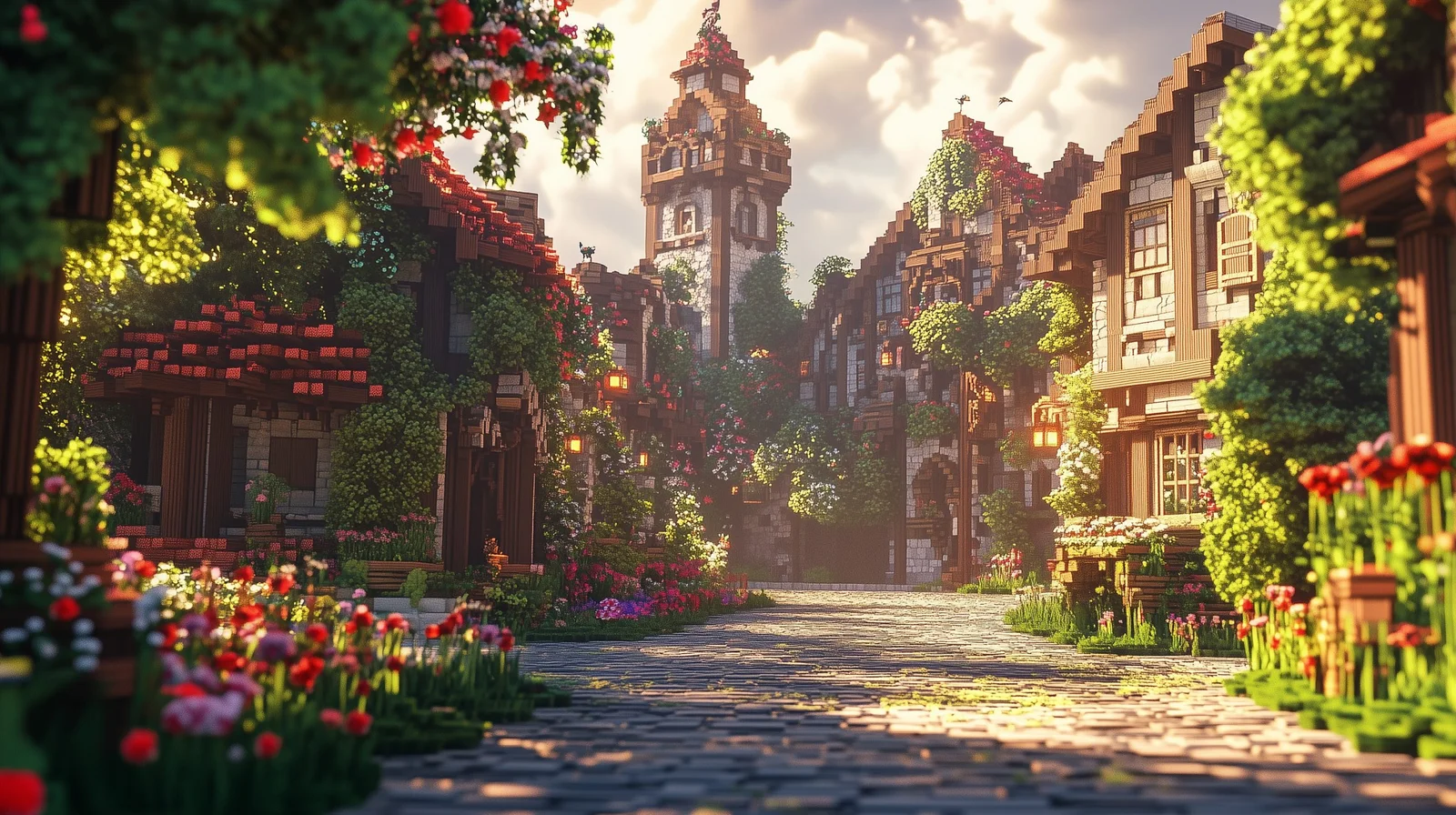
Two cosy Minecraft modpacks, both built on 1.20.1, both aimed at the same player: someone who wants a farm, a village, and a view rather than a tech tree. They are not interchangeable, though — the differences decide which one actually runs on your machine and which one you get bored of first.
This is a comparison of the two: Utopia Adventure Journey 3.5 and Nature Journey 3.
The short version#
- Utopia Adventure Journey 3.5 — Fabric, 460+ mods, built around atmosphere and soft survival. Nine bundled shader presets, unified cross-mod wood and plant compatibility, cooking and farming as the core loop.
- Nature Journey 3 — Forge, 200+ mods, around 1.25 GB, built around wildlife. Hundreds of animals with growth mechanics, a zoo-building loop, town-building blocks, and life-sim systems like village marriage and inns.
Same genre, different centre of gravity: Utopia is about how the world looks and feels, Nature Journey is about what lives in it.
Utopia Adventure Journey 3.5#
Platform: Fabric, Minecraft 1.20.1 · Size: 460+ mods
The pack’s identity is presentation. It ships with nine realistic shader presets, a reworked GUI and HUD, and redone terrain rendering across the Overworld, Nether and End — plus calming background music and ambient sound. That is a lot of curation, and it is the reason this pack looks finished in a way that modpacks assembled by hand rarely do.
Underneath the looks, the gameplay is deliberately slow: farming with berry cross-breeding, fishing, cooking, casual exploration. Combat is optional and secondary. Ore generation is inflated into large clusters so mining does not become a grind, and there are dozens of biome expansion mods with unified cross-mod crafting compatibility — which is the difference between “many mods” and “many mods that work together”.
Who it suits: a player who wants to log in for an hour, farm, cook, look at the landscape, and not be killed by anything. Also the better pack for screenshots.
Nature Journey 3#
Platform: Forge, Minecraft 1.20.1 · Size: 200+ mods, ~1.25 GB
This one is built around animals. Hundreds of wildlife species spawn per biome — giraffes, baboons, hamsters, deer, tropical fish, insects — with growth and metamorphosis mechanics, and the loop is capture, tame, raise, and build a zoo. It also adds dimensional content such as the Serri Dimension and a much wider set of biomes and cave landscapes.
The life-sim layer is the unusual part: village marriage and family systems, rentable inns, caravans and mobile RVs. Eating a wide variety of foods permanently raises your maximum health, and the cooking and baking system runs to hundreds of recipes with furniture for bakeries, diners and taverns. Town building is supported by a decorative block mod that supplies thousands of pieces of furniture and props.
Who it suits: a player who wants a project — a zoo, a town, a family — and does not mind a Forge pack that is heavier to run.
The practical differences#
Loader. Fabric (Utopia) versus Forge (Nature Journey). This matters more than the mod counts: if you have a favourite addon, it decides your pack, not the feature list.
Weight. 460+ mods does not automatically mean heavier than 200+ — shader-heavy packs and entity-heavy packs cost different things. Nature Journey’s hundreds of animals are entity load; Utopia’s shaders are GPU load. On a modest machine, expect Utopia to look better at low frame rates and Nature Journey to keep frames but stutter around herds.
Progression. Neither has a tech tree. Utopia’s progression is decorative and agricultural; Nature Journey’s is collection and town-building. If you like checklists, Nature Journey has more of them.
Multiplayer. Both are advertised for co-op. Utopia is the easier one to run for friends because the atmosphere does not depend on everyone being online at once; Nature Journey’s systems reward a group splitting jobs.
How to install either one#
- Install the matching loader for 1.20.1 — Fabric for Utopia, Forge for Nature Journey.
- Use the modpack file from the pack’s own page rather than assembling mods by hand; both packs depend on specific configs, not just mod versions.
- Allocate 4–6 GB of RAM. Under 4 GB, a 460-mod pack will stutter on world load regardless of your GPU.
- If you add shaders on top, check the shader round-up first — the packs already ship presets, and stacking another shader set is the fastest way to break them.
Which one to pick#
Pick Utopia if the appeal is atmosphere, screenshots, and a calm farm-and-cook loop, and if you are on a machine that can afford shaders but not hundreds of entities.
Pick Nature Journey if the appeal is a zoo, a town, and systems to tinker with, and if you are comfortable on Forge.
If neither sounds right because you would rather build the mod list yourself, the 30 atmosphere mods guide covers the visual side, and the Create: Aeronautics addons cover the opposite end of the spectrum — machines that fly.
What “cosy” means in practice#
Both packs advertise a relaxed loop, and the real test is not the description but the first hour. A cosy pack should let you stand still and still make progress: quest book open, no hunger spiral, no night spawn that ends the run. If your first thirty minutes are spent fighting for your life, the pack is not cosy whatever the store page says.
Single player, or a small server#
Quest-driven packs are usually tuned around one player, and the difficulty curve bends when three people share it, because the mobs scale less than your combined gear does. Decide before you install rather than after: the pack’s server files and its client instance are separate downloads, and a mismatch between them is the usual reason a group session never starts.
What to check before you commit a weekend#
- Is there a quest book that gates progress, or just a list of things that exist?
- How much memory does the launcher allocate by default? A cosy pack that stutters is not cosy.
- Is the pack pinned to one game version, or does it chase updates and break your world with them?
None of these show up in a comparison screenshot, and all three decide whether you are still playing in a week.
The honest tie-breaker is the quest book. Open it, read the first ten entries, and ask whether you would enjoy doing them in order. Everything else about a cosy pack is decoration around that answer.
Pick the one whose first ten quests you would actually do, and install it on a separate launcher profile so the next pack you try does not overwrite it.
Quick answers#
Do I need both? No. They overlap on 1.20.1 and on “cosy”, and running both means two separate installs of the same game version.
Which runs better on a laptop? Utopia, generally — fewer entities, and its performance work is part of the pack design.
Are they still updated? Both target 1.20.1, which is the stable base most cosy packs have settled on. Check the pack pages for the current build before downloading.
Pack details (mod counts, loaders, sizes, feature lists) taken from the packs’ own published descriptions. Performance notes are general guidance, not benchmarks.