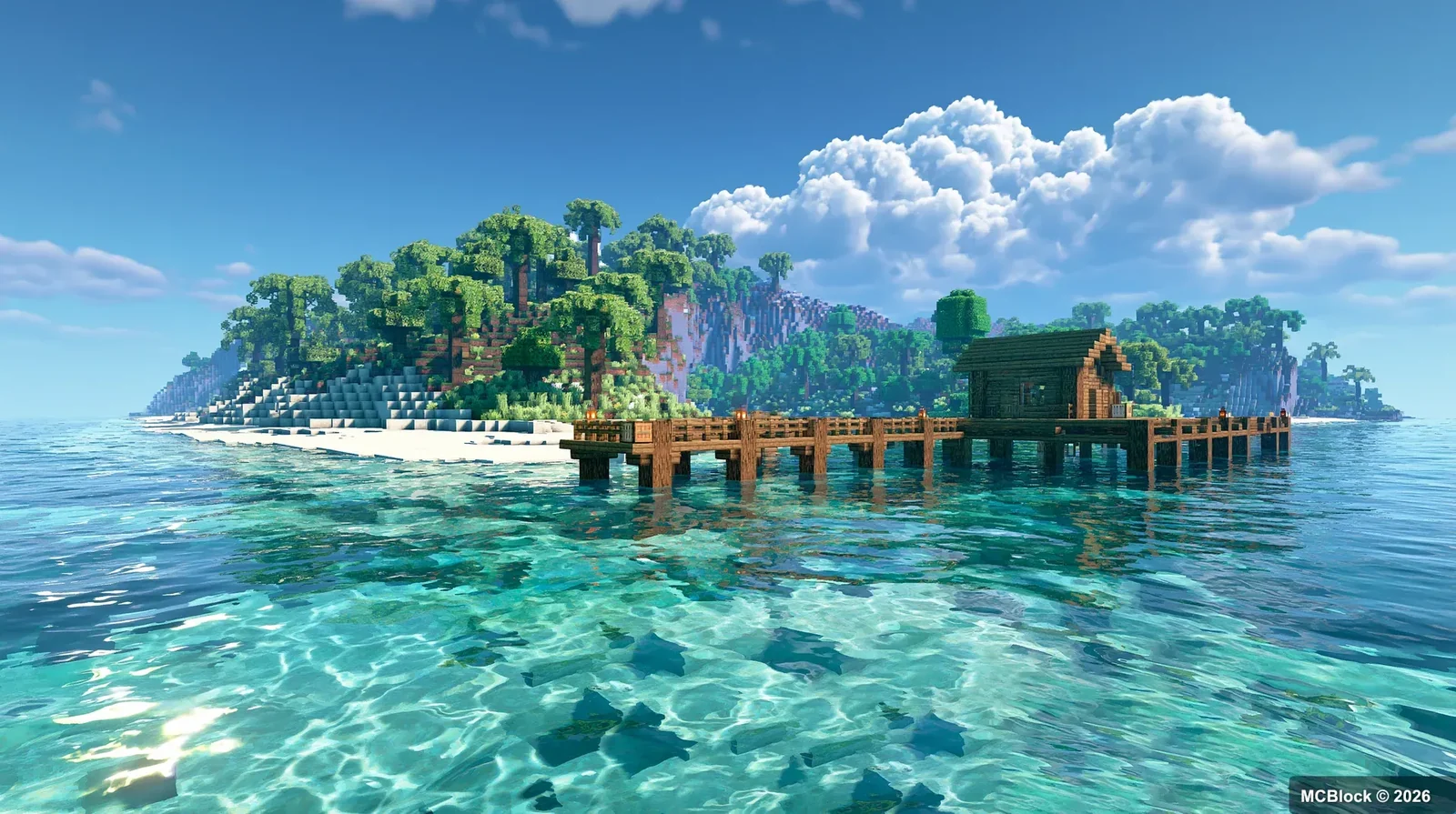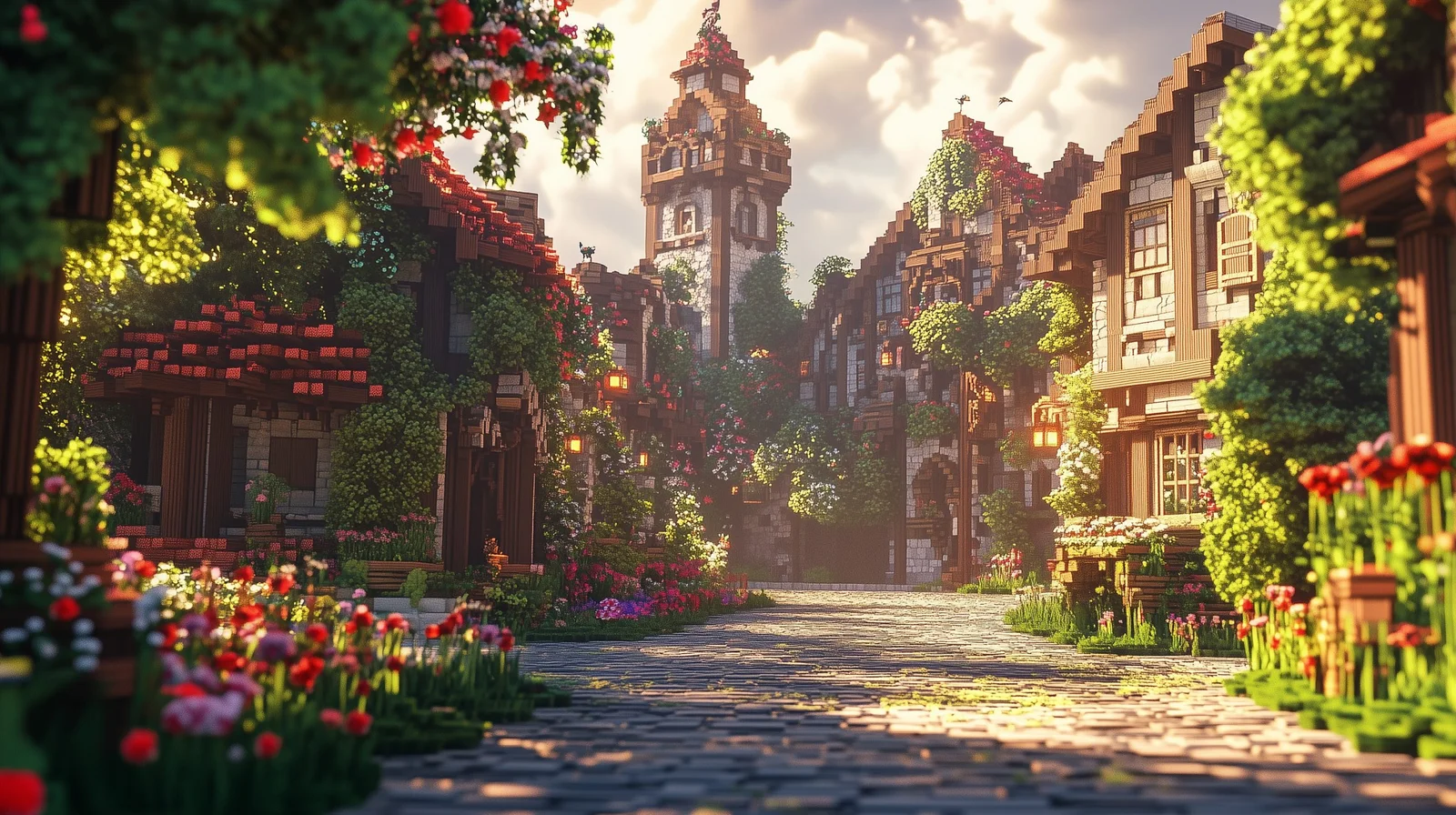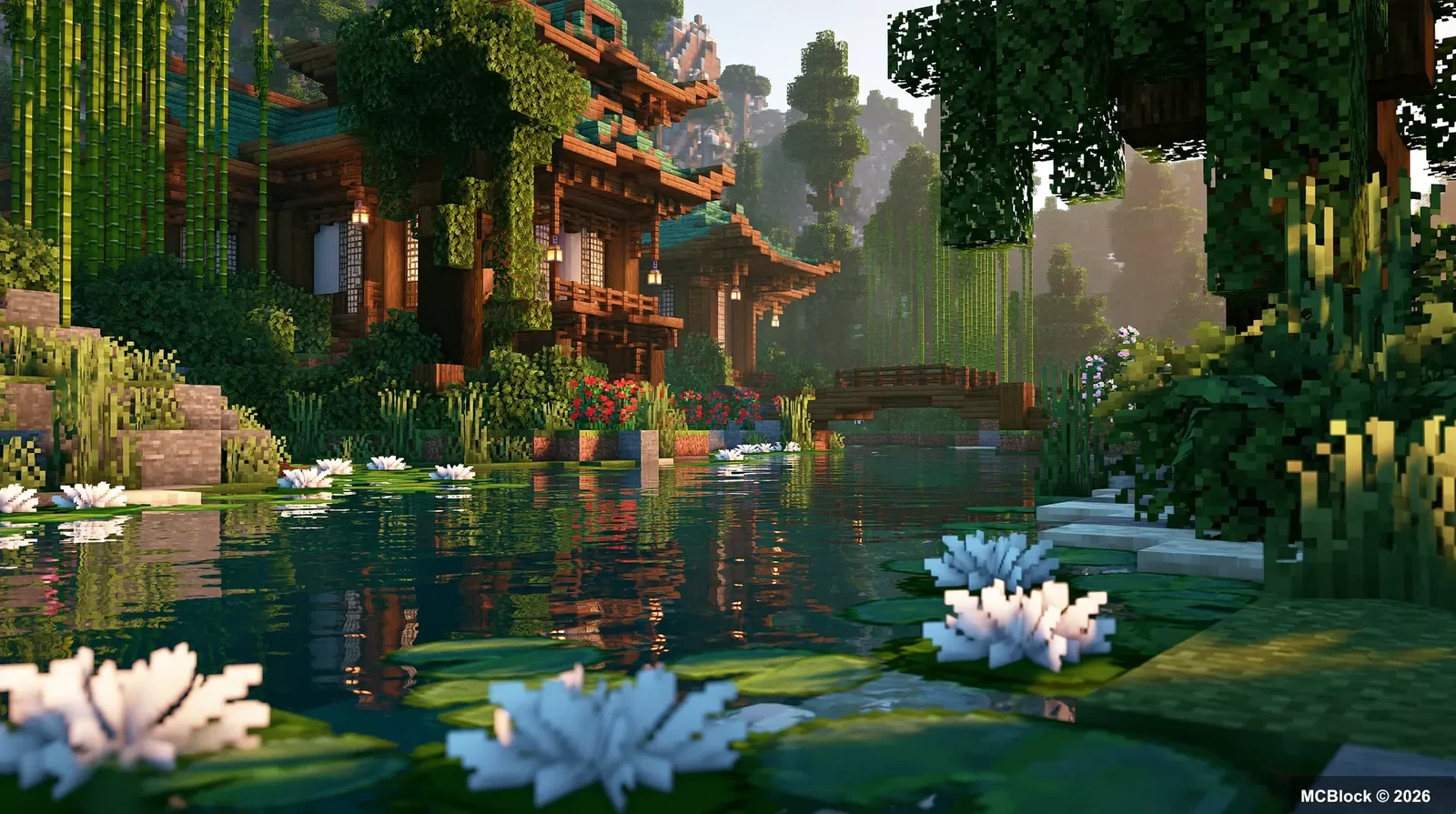
If you have spent many hours playing Minecraft, you have probably noticed how static the vanilla world can feel. Trees and grass sit motionless, weather events are limited to rain and snow, and little subtle detail exists to recreate small‑scale moments like wind sweeping through forests or waves crashing on shorelines. While shaders can drastically improve visuals, many of them are quite GPU‑heavy. Also, several atmospheric details simply cannot be achieved by shaders alone.
I have tested dozens of environment‑focused mods. Most of these add‑ons introduce no new blocks and leave core gameplay untouched. They simply inject extra particles, animations, weather events and small‑world flourishes, while staying faithful to Minecraft’s original art style. The world slowly begins to feel alive.
If you would rather install a tested set than assemble one mod at a time, two cosy modpacks compared is the shortcut.
I have added many of the 30 atmosphere mods covered in this video to my own survival save. Below are my real‑world impressions and recommendations.
Quick note: The majority are client‑side mods, available for Fabric, Forge and NeoForge. Most lightweight client‑side mods work on multiplayer servers without requiring server‑side installation. Do not install all thirty mods at once, though. Stacking too many particle‑heavy mods can cause noticeable frame drops. Pick and combine your favourites. You can find these mods on Modrinth, CurseForge or Minecraft mod databases.
☁️ Sky, Weather & Lighting Mods#
Atmospherics#
This mod completely reworks clouds, sky gradients and star rendering. Vanilla skies tend to look flat. After installation, cloud layers drift slowly across the horizon, night‑time starfields gain far more depth, and sunrise and sunset colour transitions become incredibly soft. It greatly improves sightseeing even with zero shaders active, perfect for players who love exploring and admiring landscapes.
Ex Meteor Shower#
Random meteor shower events appear in the night‑time sky. Bright shooting stars streak overhead on certain nights. These meteors are purely cosmetic and will never crash or cause destruction. Stumbling across one during a late‑night adventure makes for a wonderful surprise.
Sunbathing Godrays#
Adds natural volumetric sunbeams that filter down through gaps in tree canopies. This effect runs on vanilla rendering and does not require shaders. Sun rays grow strong on clear sunny days and fade away during overcast weather.
Adding Rainbows#
Rainbows have a chance to spawn once rainfall ends. They are not guaranteed after every storm, and that randomness makes spotting one feel like a sweet little reward — ideal for stopping to take screenshots.
Story Mode Clouds#
Brings over large, fluffy cloud designs inspired by Minecraft Story Mode. The pixel‑art aesthetic is preserved, giving you atmospheric skies without heavy shader performance costs.
Auroras#
Aurora lights will appear above snowy high‑latitude biomes at night. Soft‑coloured light ribbons drift slowly across the sky. If you spend lots of time surviving in ice‑and‑snow biomes, watching auroras while travelling after dark is extremely calming.
VFX+#
An all‑in‑one visual enhancement pack that adds weather‑related particle effects, including thunderstorm mist, soft haze and dusk glows. Every feature can be toggled individually in‑game, so you are free to disable effects you do not want.
🌊 Ocean, Tidal & Shore‑side Details#
Coastal Waves#
Dynamic breaking waves roll onto sandy beaches, complete with white foam crests. Ocean water intensity changes according to the weather. Coastlines no longer look like completely still, stagnant water, even without shaders.
Wet Sand#
Sand blocks darken and become wet once the tide rolls in. Textures shift once water recedes. This tiny detail greatly boosts coastal realism. Works best paired with tidal‑related mods.
Tidal#
Adds a basic tide system. Ocean water height slowly rises and falls over time, submerging and uncovering shore blocks. For the most immersive seaside experience, combine it with Coastal Waves and Wet Sand.
Wakes#
Leaves rippling water trails behind your boat as you sail across oceans. The trailing wake effect adds satisfying small‑scale detail during long sea voyages.
🌿 Vegetation, Terrain & Biome Improvements#
Nature X#
Greatly expands wild plant variety across the world. New wildflowers, weeds and small shrubs spawn naturally, matched to their respective biomes. Plants are placed thoughtfully without over‑crowding landscapes, making grassy fields feel far less repetitive during exploration.
Biome Bloom#
Introduces seasonal colour shifts for biomes. Grass and leaf hues slowly change over in‑game months, creating cycles of fresh spring greens and golden autumn tones. No texture‑pack swapping is required.
Musgo#
Stone and log surfaces in damp forests and swamps slowly grow moss over time. Wandering through rainforests or dark oak forests, you will get a strong sense that time is passing and nature is reclaiming old blocks.
Bushier Bushes#
Vanilla thin, flat‑looking bushes are replaced with thicker, more volumetric shrubbery, making forests look denser and more immersive.
Bushy Pink Petals, Wildflowers & Leaf Litter#
Cherry groves gain far thicker falling petals, wildflowers spawn across open grasslands, and fallen leaf litter accumulates on forest floors. Walking through woodland areas feels wonderfully immersive.
Xali’s Enhanced Vanilla#
A vanilla‑friendly comprehensive environment overhaul. It makes subtle tweaks to plant and block appearances, alongside small generation improvements. Changes are extremely restrained, delivering the feeling that vanilla Minecraft itself has simply gotten better. Ideal for players who prefer minimal, almost invisible modifications.
💨 Particles, Smoke & World Traces#
Better Smoke#
Smoke rising from campfires, furnaces and torches is no longer locked into a rigid upward path. Smoke plumes drift sideways with wind, with natural‑looking height and spread. Standing beside a campfire and watching smoke blow away really pulls you into the world.
Tumbleweeds#
Rolling tumbleweed entities spawn and drift across desert biomes. They are purely decorative environmental objects with no loot drops.
Snow Imprints#
Your player leaves footprints in snow blocks. Footprints slowly fade away as fresh snow falls behind you. Long treks across frozen landscapes become far more immersive.
Puddles & Floods#
Shallow puddles form on the ground after rainfall. Puddles reflect the sky above and gradually evaporate once the rain stops. Returning to your village after a storm and seeing wet puddles everywhere creates fantastic rainy‑day atmosphere.
Particular Reforged#
A large‑scale particle enhancement mod. It adds fireflies, falling leaves, waterfall mist and drifting pollen across the world. Warning: This mod spawns a high volume of particles. Lower‑end PCs should disable several particle categories to avoid heavy FPS loss.
Shine#
Light‑emitting blocks such as torches and lanterns release gentle floating glow particles. Villages look magical at night as tiny specks of light drift through the air.
Benigamer’s Enhanced Visuals#
Season‑based particle effects are added throughout the world. Cherry blossoms drift in spring, flying insects appear in summer, autumn leaves fall and winter snow effects are improved. Each biome receives appropriate seasonal particles, and nearly every effect can be toggled off.
Biome Particle Weather#
Custom biome‑specific particles spawn in different regions. Swamp biomes release floating spores, deserts kick up dust clouds and coniferous forests shed pine needles. Every location gains its own unique environmental identity.
🐞 Small‑Creature Atmosphere#
Cosy Critters and Creepy Crawlies#
Adds dozens of harmless tiny ambient creatures to the world, including butterflies, fireflies, dragonflies and small grass‑dwelling bugs. None of these mobs attack you or drop loot. They simply fill empty spaces and stop forests and meadows from feeling unnervingly quiet.
🧩 Large‑Scale Comprehensive Environment Overhauls#
Recrafted#
A substantial visual‑refresh mod that revises block appearances, animations, particles, weather and terrain generation. It keeps close to vanilla aesthetics while adding detail to nearly every corner of the game world. Recommended if you want a complete visual upgrade and do not mind more extensive world changes.
MC Alive#
Gives grass, leaves and vines smooth wind‑driven sway animations. Vegetation sways gently on calm days and swings more dramatically during windy weather, making the whole landscape feel alive.
Caztoon#
A full cartoon‑styled visual overhaul. Bright, cheerful colours, redesigned clouds, lighting and particles transform your world into a fairy‑tale‑like environment. Perfect for players looking for a whimsical atmosphere.
✨ Honourable Mention: Summer (Nature’s Crescendo)#
This mod focuses on summer‑themed atmosphere upgrades, adding extra plants, ambient sounds and particles for warm‑season biomes. It pairs wonderfully with survival worlds during the summer months.
⚠️ Lessons I Learned While Playing#
- Almost all of these are client‑side mods. They work in single‑player worlds and most multiplayer servers without server installation. Avoid enabling every particle mod at once, as particle overload will cause frame‑rate drops.
- Many atmosphere mods are fully compatible, yet some share overlapping features. Running multiple mods with identical particle functions can spawn excessive visual effects. Try to keep only one or two mods of each category active.
- Most atmosphere mods can run alongside shader packs. In rare cases particle effects may conflict with certain shaders. Disable the relevant mod if visual glitches occur.
- Always double‑check that your downloaded mod version matches your Minecraft game build. Out‑of‑date mods may fail to load, crash your game or produce zero visible effects.
📝 Final Thoughts#
When players want to beautify Minecraft, most immediately turn to high‑end shaders. These atmosphere mods offer a fantastic alternative path. You do not need a powerful graphics card, and your core vanilla visual style remains untouched. Small, subtle details — wind‑swept grass, puddles after rain, footprints in snow and shooting stars — slowly breathe life into your block‑based world.
You absolutely do not need to install every single mod from this list. Pick 3‑5 mods that appeal to you, drop them into your save file and head out exploring. You will quickly notice how much richer your Minecraft world feels.