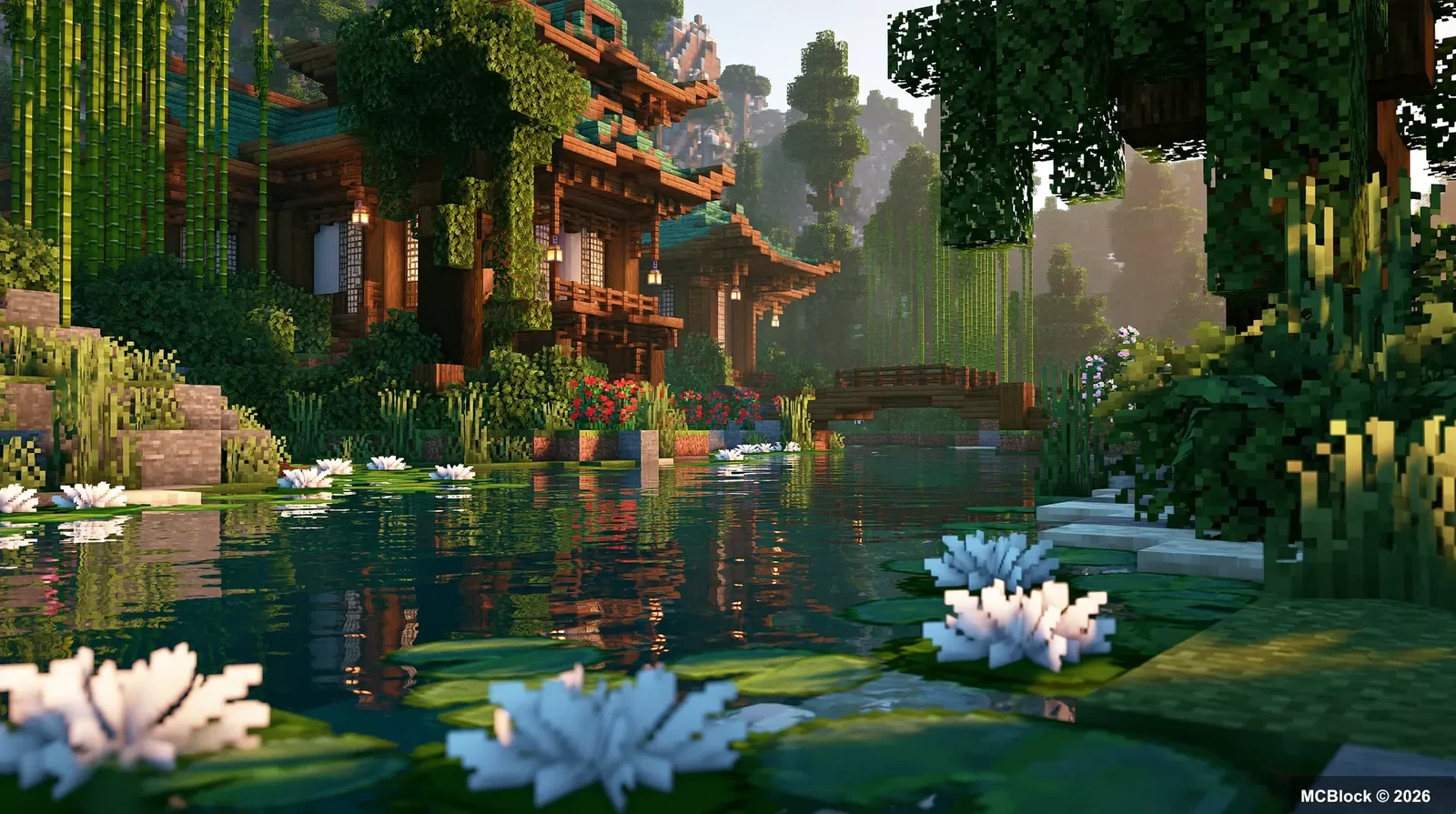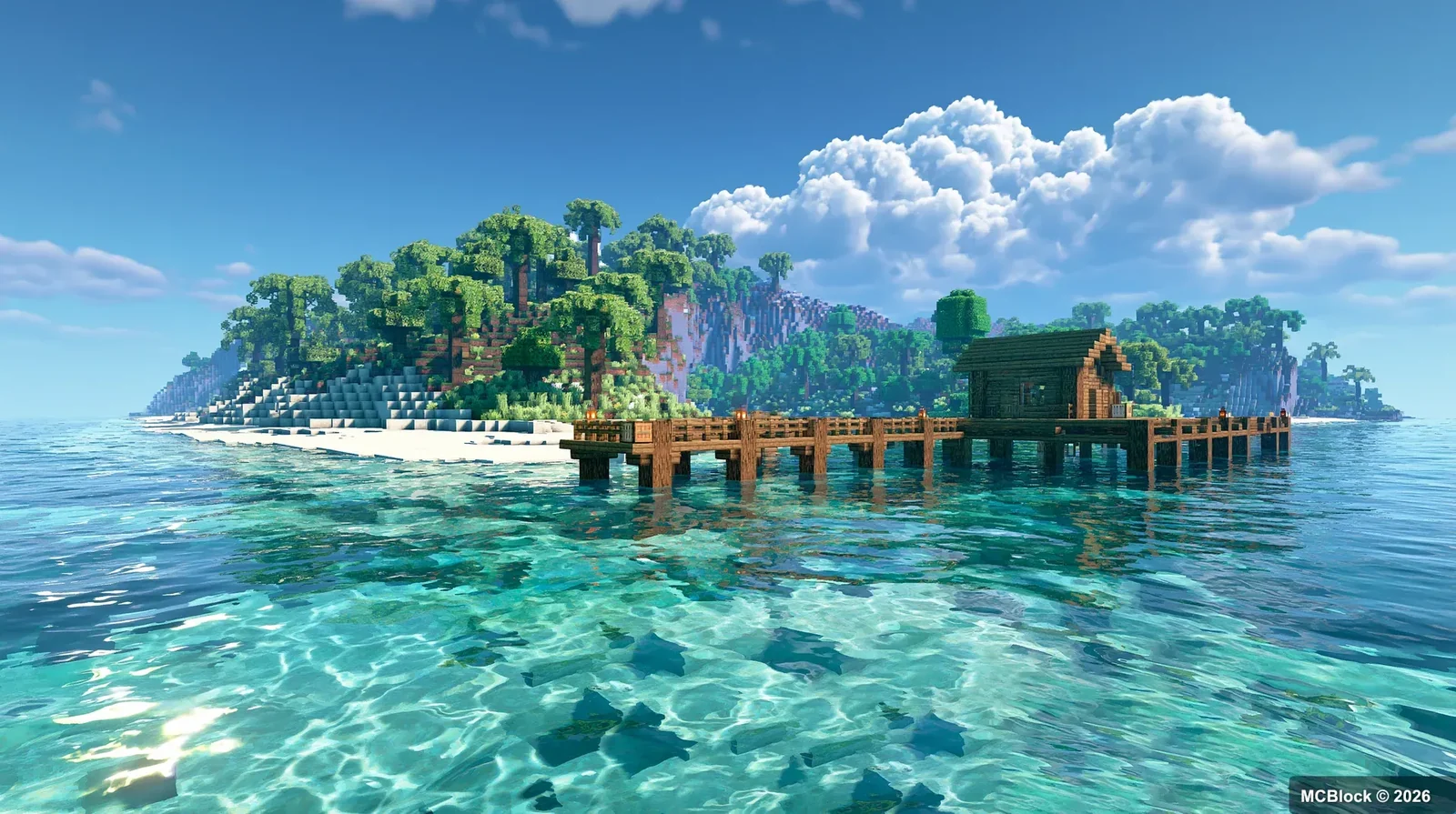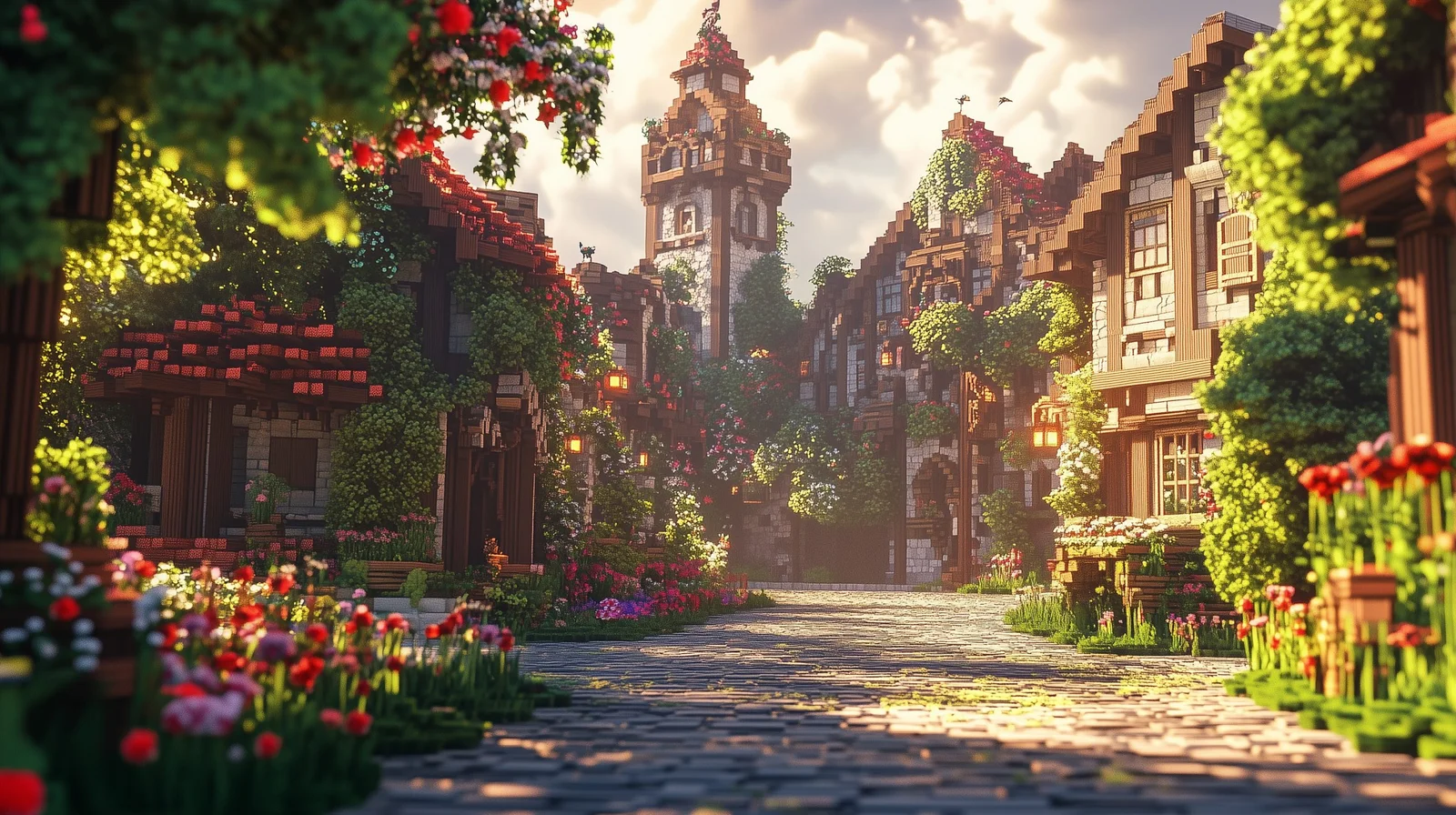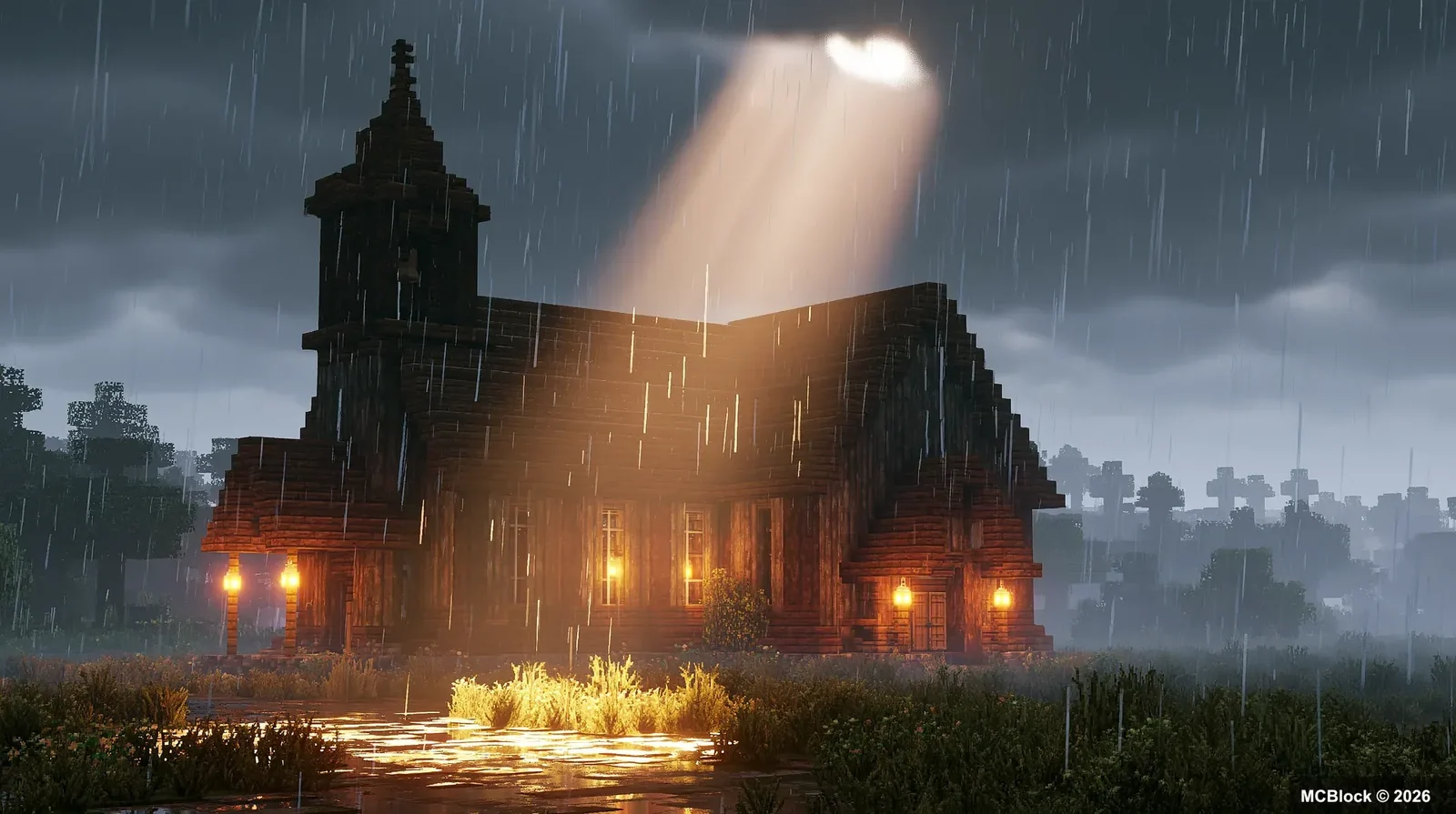
Many long‑time Minecraft players eventually want to freshen up their in‑game visuals. Vanilla pixel art is timeless, but well‑chosen shaders and resource packs can completely transform the atmosphere of your world. The problem is there are countless options online. It can be hard to figure out which ones work for your hardware, whether you prefer realistic, soft‑cartoon, or stylized aesthetics, and which combinations stay playable without killing your frame‑rate.
Visuals are only half of the feel — Utopia and Nature Journey compared looks at two packs built around atmosphere.
Quick note: Java Edition requires OptiFine or Iris Shaders to run shaders. Bedrock Edition has built‑in shader support. Always back‑up your worlds before installing new packs. Mismatched versions often cause broken textures or black screen issues.
✨ First: Shaders vs Resource Packs#
A lot of new players mix these two up, so let’s quickly clarify:
- Resource packs: Change textures for blocks, items, mobs and UI. They alter art style and details and are generally light on system resources.
- Shaders: Control lighting, shadows, sky, water, fog and volumetric clouds. These are the main performance‑hogs; high‑end shaders demand decent graphics hardware.
You can freely mix and match them. Survival‑focused players should prioritize smooth performance first. Builders and content creators can crank up visual quality for screenshots and cinematic builds.
🎨 Resource Pack Picks for Different Playstyles#
Vanilla‑enhanced packs (Survival‑friendly, keep original art style)#
These stay true to Minecraft’s original look while adding finer details. Block recognition stays intact, which is perfect for long‑term survival play.
- Faithful: The classic 32× vanilla‑high‑definition resource pack. It sharpens original textures for blocks, items and mobs without making stylistic overhauls. It has fantastic mod compatibility and runs well even on lower‑end PCs.
- Zero Fog Concept: A home‑grown PBR resource pack. It adds bump‑mapping, metallic and roughness physical properties to blocks. Parallax occlusion mapping makes stone and wood feel much more three‑dimensional. Redstone blocks can even display signal numbers directly, which is great for technical redstone players. It uses a modular system so you can toggle features according to your PC limits.
Builder‑oriented packs, great for builds and screenshots#
- Mizuno’s 16‑Craft: A very popular Japanese‑inspired texture pack. Nearly every block and item is redrawn with soft, muted tones. It shines for East‑Asian‑style builds. At 16× resolution it is relatively light‑weight, and ports exist for both Java and Bedrock Edition.
- Bare‑Bones: The clean, simplified cartoon style seen in official Minecraft trailers. It has soft saturation and rounded mob designs. Pair it with cartoon‑style shaders and you get that official trailer aesthetic.
Cute & stylized packs#
- Creamy Blocks: Soft, rounded textures with bright, gentle colour palettes, including a fully reworked UI. Great for relaxed casual survival. Rounded block edges make long play sessions easy on the eyes.
🌄 Shader Recommendations Sorted by Hardware#
🔹 Low‑end / Integrated GPU: Laptops & weaker systems#
These sacrifice some ultra‑high‑end effects but preserve nice skies, soft shadows and improved water reflections.
-
Derivative
A go‑to survival shader for low‑spec machines. Colours stay natural and not oversaturated, water looks pleasant, and shadows are soft. You can turn off advanced features to get playable frames even on integrated graphics. There are no over‑the‑top filter effects. Underground mining stays usable; caves are not overly dark so you can spot mobs easily.
-
MakeUp ‑ Ultra Fast
A lightweight atmospheric shader. Sunsets and cloud visuals are beautiful. Screen‑space reflections can be disabled for extra FPS. Ideal if you want pretty sunsets without heavy performance cost.
🔹 Mid‑range: Best balance for most gaming laptops#
-
Solas Shader
One of the most well‑received modern shaders. Light transitions feel very natural. Dusk, rainy weather and starry nights all look fantastic. Water avoids exaggerated mirror‑like reflections and behaves more realistically. It comes with tons of configurable parameters; you can tune it toward fresh vibrant looks or more realistic tones. Works equally well for survival and building.
-
Complementary Shaders
A mature, fully‑featured shader pack. Cave brightness is adjustable so you never struggle to see underground. Animated plant sway and glowing ores are included. Multiple presets are built‑in; the balanced preset works for most mid‑range computers. Highly recommended for survival players.
🔹 High‑end / Desktop GPUs: For screenshots, videos and build showcases#
-
IterationT (itt)
Cinematic‑grade atmosphere. Colours are restrained without clipping. Water has nice jelly‑like refraction and ice blocks show convincing transparency. The End dimension gets custom star‑fields and celestial visuals, with unique rendering for every dimension. Wonderful for recording videos and showing off builds, though quite demanding for regular survival gameplay.
-
SEUS PTGI / HHR3
Famous path‑traced shaders. Simulated indirect light creates incredibly soft shadow fall‑off, with exceptional indoor and cave lighting. It needs powerful desktop hardware; most gaming laptops struggle to maintain smooth frame‑rates.
🔹 Artistic special‑style shaders#
- PaintBound: Watercolour painterly aesthetic. The whole world looks like a hand‑painted illustration with soft colour bleeding. Perfect for taking screenshots, less suited for long survival sessions.
- Milang Xiaoyao Series (LUX2 / Morandi): Well‑regarded home‑made shaders. LUX2 delivers bright dreamy sunsets plus glowing ores. The Morandi variant desaturates colours for painterly oil‑paint visuals with outstanding cloud and night‑sky rendering.
🧩 Ready‑to‑use combinations you can copy directly#
- Low‑end Survival: Faithful resource pack + Derivative shader
Keeps vanilla vibes, prioritises smooth FPS for long‑term survival worlds.
- Builder Screenshot Setup: Mizuno’s 16‑Craft + Solas Shader
Gentle Japanese‑style visuals that produce stunning sunset build screenshots.
- Official‑Trailer Cartoon Look: Bare‑Bones + MakeUp shader
Bright, clean, fairy‑tale‑like atmosphere.
- Redstone‑Technical Playthrough: Zero Fog Concept + Complementary Shaders
Visible red‑stone signal read‑outs while keeping great visuals.
⚠️ Real‑world player tips & common pitfalls#
- Always pick resource‑pack / shader versions matching your Minecraft game build. Version mismatches cause missing textures, magenta‑black blocks or shader black‑screen crashes.
- Shaders consume far more resources than texture packs. If you experience lag, tweak shader settings first. Disabling volumetric clouds, screen‑space reflections and shadow resolution will give you major FPS gains.
- Do not set cave brightness too low in survival mode. Pitch‑black underground spaces make spotting hostile mobs dangerous. Most shaders include a cave‑brightness slider you can nudge upwards.
- Some modded custom blocks may not support PBR parallax effects; this is normal and not a bug.
- For Java Edition, Iris Shaders generally gives better performance on modern graphics cards compared to older OptiFine.
📝 Final Thoughts#
There is no single “best” shader or resource pack. It all comes down to personal taste and your hardware limits.
If you mostly play casual survival, you do not need to chase top‑tier hyper‑realistic shaders. A well‑tuned mid‑range setup already delivers huge visual improvements. If building and video‑making are your main focus, feel free to experiment with high‑end cinematic presets.
Visual add‑ons are just extras. The core fun of Minecraft comes from the block‑based world itself. Try out different packs, tweak parameters, and find the visual style you enjoy the most.